
QR Code Generator
FREE QR CODE GENERATOR, Generate free QR codes for URLs, text, email, phone numbers and more. Download instantly in PNG format. Fast, secure and easy to use.
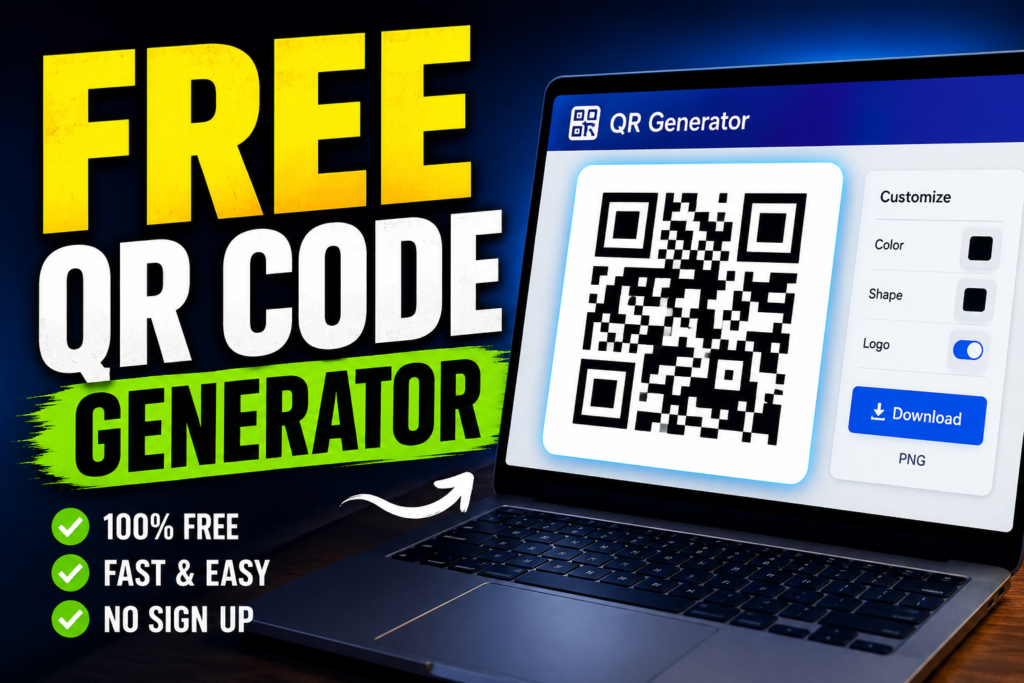
Table of Contents
What Is a QR Code Generator?
A QR Code Generator is an online tool that allows users to create Quick Response (QR) codes instantly. QR codes are two-dimensional barcodes that can store different types of information, including website URLs, text, phone numbers, email addresses, contact details, Wi-Fi credentials, and more. Once generated, a QR code can be scanned using a smartphone camera or QR scanner app to access the stored information quickly.
Our free QR Code Generator helps individuals, businesses, students, marketers, and organizations create high-quality QR codes without registration or software installation. Simply enter your text or URL, generate the QR code, and download it for use in print or digital media.
Why Use a QR Code?
QR codes have become an essential tool for sharing information quickly and efficiently. Instead of typing a long web address or contact number manually, users can scan a QR code and instantly access the information.
Common uses of QR codes include:
- Website URLs
- Business cards
- Product packaging
- Restaurant menus
- Event tickets
- Social media profiles
- Marketing campaigns
- Wi-Fi sharing
- Contact information
QR codes save time, reduce typing errors, and improve user experience.
Features of Our Free QR Code Generator
Our online QR Code Generator offers several useful features:
- Fast and easy QR code creation
- No registration required
- Mobile-friendly interface
- Instant QR code generation
- Download QR codes as PNG images
- Unlimited QR code creation
- Secure and privacy-friendly
- Works on desktop, tablet, and mobile devices
Whether you need a QR code for personal or business use, our tool provides a simple and reliable solution.
How to Create a QR Code
Creating a QR code with our tool is simple:
- Enter your URL, text, or information into the input field.
- Click the "Generate QR Code" button.
- Wait for the QR code preview to appear.
- Download the generated QR code as a PNG image.
- Use the QR code on websites, social media, posters, flyers, business cards, or other materials.
The entire process takes only a few seconds.
Benefits of Using QR Codes
Faster Access to Information
QR codes eliminate the need for manual typing. Users can instantly access websites, contact details, or other information with a simple scan.
Better Marketing Results
Businesses use QR codes to increase engagement and drive traffic to websites, landing pages, and promotional campaigns.
Improved User Experience
Customers appreciate the convenience of scanning a code instead of entering long URLs or contact details manually.
Cost-Effective Solution
QR codes are inexpensive to create and can be printed on marketing materials, product packaging, posters, brochures, and business cards.
Easy Sharing
QR codes make it easy to share information with a large audience quickly and efficiently.
Common Uses of QR Codes
Website Links
Direct users to websites, landing pages, blogs, or online stores.
Business Cards
Share contact information digitally and reduce manual data entry.
Social Media Profiles
Help users connect with your social media accounts through a quick scan.
Event Registration
Use QR codes on tickets, invitations, and event materials.
Educational Resources
Teachers and students can use QR codes to share learning materials, assignments, and resources.
Product Information
Businesses can provide customers with detailed product information, user manuals, and support resources.
Are QR Codes Safe?
QR codes themselves are safe because they only store information. However, users should always verify the destination of unknown QR codes before visiting websites or downloading files. When used responsibly, QR codes are a secure and effective way to share information.
Frequently Asked Questions
Is this QR Codes Generator free?
Yes. Our QR Code Generator is completely free to use and allows unlimited QR code creation.
Do QR codes expire?
Static QR codes generally do not expire. They continue to work as long as the linked content remains available.
Can I use QR codes for business purposes?
Yes. Businesses commonly use QR codes for marketing, product information, promotions, and customer engagement.
Can I download the QR codes?
Yes. After generating your QR code, you can download it and use it wherever needed.
Do I need an account to create a QR codes?
No. You can generate QR codes instantly without creating an account.
Start Creating Your QR Codes Today
Generate professional QR codes in seconds using our free QR Code Generator. Whether you need a QR code for a website, business card, marketing campaign, event, or personal project, our tool provides a fast, reliable, and easy-to-use solution. Enter your information, generate your QR code, and download it instantly.
Related tools
Barcode Generator
UUID Generator
Word Counter
Image Compressor